When you are generating a Trisul PDF report on CentOS / RHEL 6.x and you get funny looking charts as shown below, you might need to install Microsoft True Type fonts .
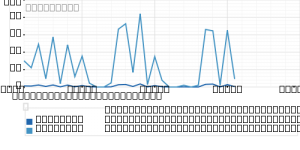
To fix this problem you need to install MS True Type fonts.
Download the Microsoft core fonts rpm package.
Run this as root
|
1 2 |
[root@localhost~]# wget http://www.my-guides.net/en/images/stories /fedora12/msttcore-fonts-2.0-3.noarch.rpm |
Install rpm package.
|
1 |
[root@localhost~]# rpm -Uvh msttcore-fonts-2.0-3.noarch.rpm |
That’s All.
Try running a Trisul PDF report and the output should look much better.
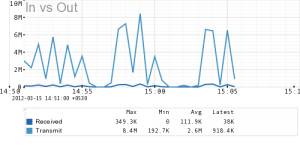
You can also try
|
1 |
yum install msttcore-fonts |
Also check out the Trisul docs if you have other problems with PDF reports.